Jan 29, 2026
Student
What to Do on SAT Test Day (And When to Skip Questions)
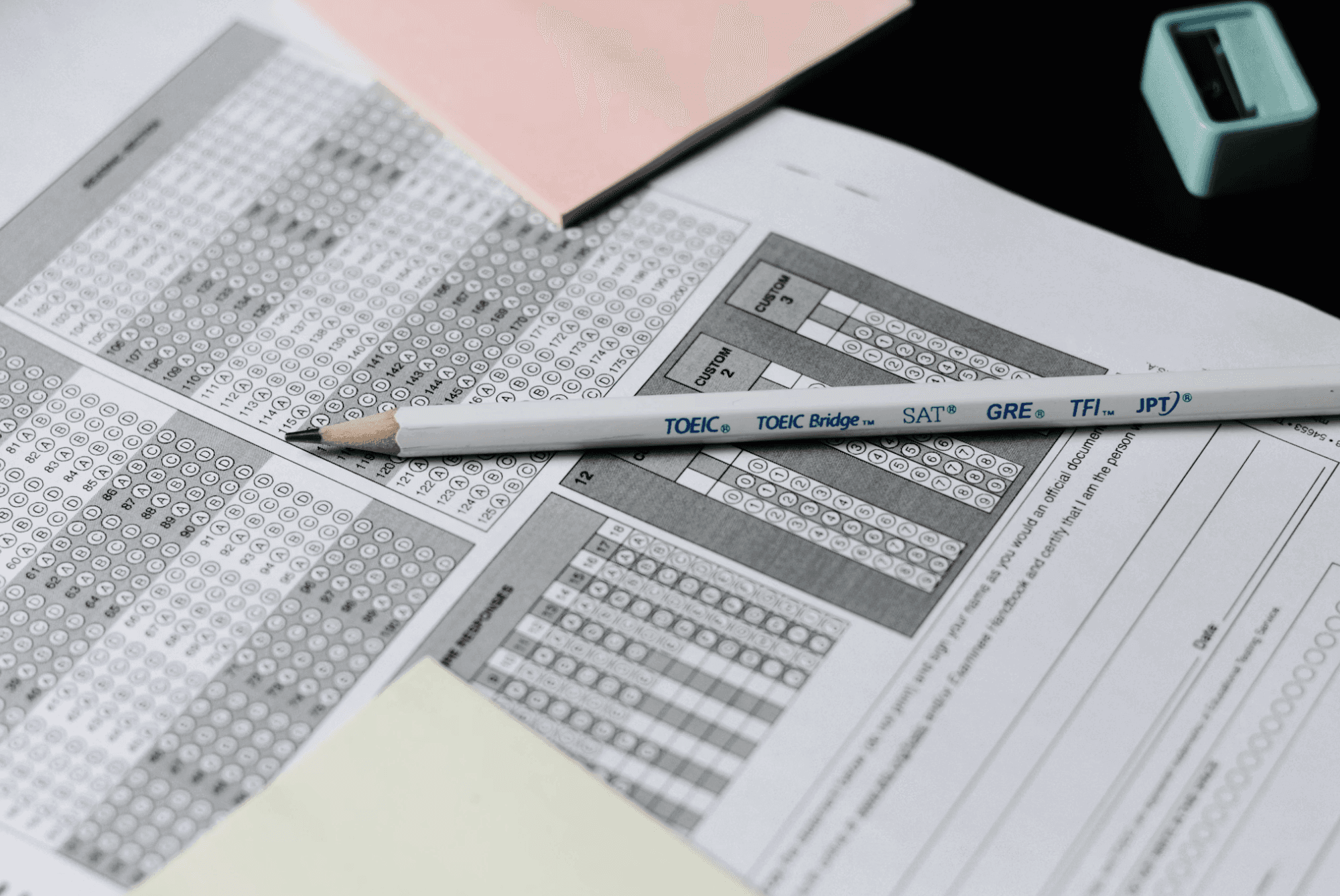
Quick answer: On digital SAT test day, bring a fully charged device with Bluebook installed and set up, your admission ticket (College Board prefers it printed), a physical photo ID, and pencils or pens. During the test, aim for about 71 seconds per Reading and Writing question and about 95 seconds per Math question. If you can't see how to start a question within roughly 30 seconds, pick your best answer, flag it and move on. There is no penalty for wrong answers, so never leave a question blank.
Test day goes better when the logistics are boring and the pacing is already decided. This guide covers both: what to bring and do before the test, and how to handle time and skipped questions once it starts.
On this page
Upcoming SAT dates
The week before
Test day checklist
What the test looks like
Pacing targets
When to skip questions
Common test day mistakes
Staying calm
FAQ
Upcoming SAT dates
These are the SAT Weekend dates College Board listed on November 6, 2026. Always confirm on College Board's dates and deadlines page, because deadlines and fees can change.
Test date | Registration deadline | Late registration and changes deadline |
|---|---|---|
Dec. 5, 2026 | Nov. 20, 2026 | Nov. 24, 2026 |
March 6, 2027 | Feb. 19, 2027 | Feb. 23, 2027 |
May 1, 2027 | Apr. 16, 2027 | Apr. 20, 2027 |
June 5, 2027 | May 21, 2027 | May 25, 2027 |
Late registration is available but carries additional fees. If you need to borrow a device from College Board, register and request it at least 30 days before test day.
The week before
Take one full practice test in Bluebook under real timing. It's the best rehearsal for both the format and your pacing.
Install Bluebook and complete exam setup on the device you'll use, then confirm it works.
Get your admission ticket from the Bluebook app and print it. College Board prefers a printed ticket.
Find your test center and plan how you'll get there.
Review your error log, not new material. Last-minute cramming of new topics is rarely a good trade. If you don't have an error log yet, our guide to how to improve your SAT score shows how to build one.
Test day checklist
College Board's official list of what to bring, from its What to Bring page:
Item | Status |
|---|---|
Fully charged testing device with Bluebook installed and exam setup completed | Required |
Up-to-date admission ticket from the Bluebook app (printed is preferred) | Required |
Acceptable photo ID (a physical document, not electronic) | Required |
Pencils or pens for scratch work | Required |
Your College Board username and password | Required |
An acceptable calculator (an embedded calculator is also available in Bluebook) | For the Math section |
A watch without an audible alarm | Optional |
Charging cable or portable charger | Optional |
Drink or snacks for your break | Optional |
A backup testing device | Optional |
Leave everything else at home, and check College Board's prohibited devices page if you're unsure about an item.
What the test looks like
The digital SAT takes about 2 hours and 14 minutes of testing time, split into four modules:
Section | Modules | Questions per module | Time per module |
|---|---|---|---|
Reading and Writing | 2 | 27 | 32 minutes |
Math | 2 | 22 | 35 minutes |
There's a 10-minute break between the two sections. Each section is adaptive: your performance on the first module decides how hard the second one is, which is why accuracy on Module 1 matters. Our post on Module 2 explains what you can and can't tell about which one you got. Within a module you can move back and forth between questions, but once you submit a module you can't return to it.
Pacing targets
Averages help you notice when you're falling behind. They include the 2 unscored pre-test questions in each module, so treat them as guides.
Section | Average time per question | Halfway checkpoint |
|---|---|---|
Reading and Writing | About 71 seconds | Around question 13 or 14 at the 16-minute mark |
Math | About 95 seconds | Around question 11 at the 17.5-minute mark |
Easy questions should take less than the average so you have more time for hard ones. If you're consistently behind at the halfway checkpoint in practice, the fix is usually a stricter skip rule, not faster reading.
When to skip questions
On the digital SAT, "skipping" really means flagging a question and returning to it later, because you should always select an answer before moving on. These are suggested rules of thumb, not College Board guidance:
If you can't see a way to start within about 30 seconds, choose your best guess, flag the question and move on.
If you've spent about twice the average time and aren't close, do the same.
Always select an answer first. There's no penalty for wrong answers, so a guess costs nothing and a blank can't earn anything.
Don't skip easy-looking early questions out of impatience. They're the points you most want, and Module 1 accuracy affects what you see next.
Use leftover time to return to flagged questions, starting with the ones where you were closest.
You can practice this rule in your practice tests so it feels automatic. Our guide to reviewing SAT practice questions shows how to check afterward whether your skips were the right calls.
Common test day mistakes
Spending too long on early questions and rushing the last few in the module.
Changing answers without a reason. Change one only if you've spotted a specific error, such as a misread number.
Forgetting to flag. If you skip without flagging, you may not find it again.
Panicking over one strange question. Each module includes 2 unscored pretest questions, so an unusual question may not count at all.
Using the break to re-study. Eat something, stretch and reset.
For more tactics, see our guide to SAT tips and tricks.
Staying calm
Nerves are normal. A few habits help:
Make the logistics boring. The more you've settled in advance (ticket, ID, device), the less there is to worry about.
Reset between modules. Take one slow breath, and treat each module as a fresh start.
Decide your skip rule before you sit down. It removes in-the-moment decisions.
Don't try to work out which Module 2 you got. You can't know, and guessing only adds stress.
Want to rehearse before test day? Try Hue Prep's free practice questions and use targeted practice to build speed on the question types that slow you down.
FAQ
What should I bring to the digital SAT?
A fully charged device with Bluebook installed and exam setup completed, your admission ticket (printed is preferred), an acceptable physical photo ID, and pencils or pens. See College Board's What to Bring page for the full list.
How long is the digital SAT?
About 2 hours and 14 minutes of testing time across four modules, with a 10-minute break between Reading and Writing and Math.
Is there a penalty for guessing on the SAT?
No. There is no penalty for wrong answers, so answer every question.
Can I go back to a module after I submit it?
No. You can move between questions within a module, but once you submit it you can't return.
Can I use my own calculator on the SAT?
You can use an acceptable calculator, and Bluebook also includes a built-in Desmos graphing calculator. Check College Board's calculator policy for approved models.
How many questions should I skip?
You shouldn't leave any blank. Flag a hard question, choose your best answer and come back if you have time.
Sources
College Board, What to Bring on SAT Test Day: the official checklist of required and optional items.
College Board, SAT Suite Test Dates and Deadlines: official dates, registration deadlines and late fees.
College Board, Digital SAT Suite Test Specifications Overview (PDF): module structure, question counts and timing.
College Board, Bluebook: the official digital testing app.
Blog
Recent Articles
AI automation insights to help your business move faster and smarter.

